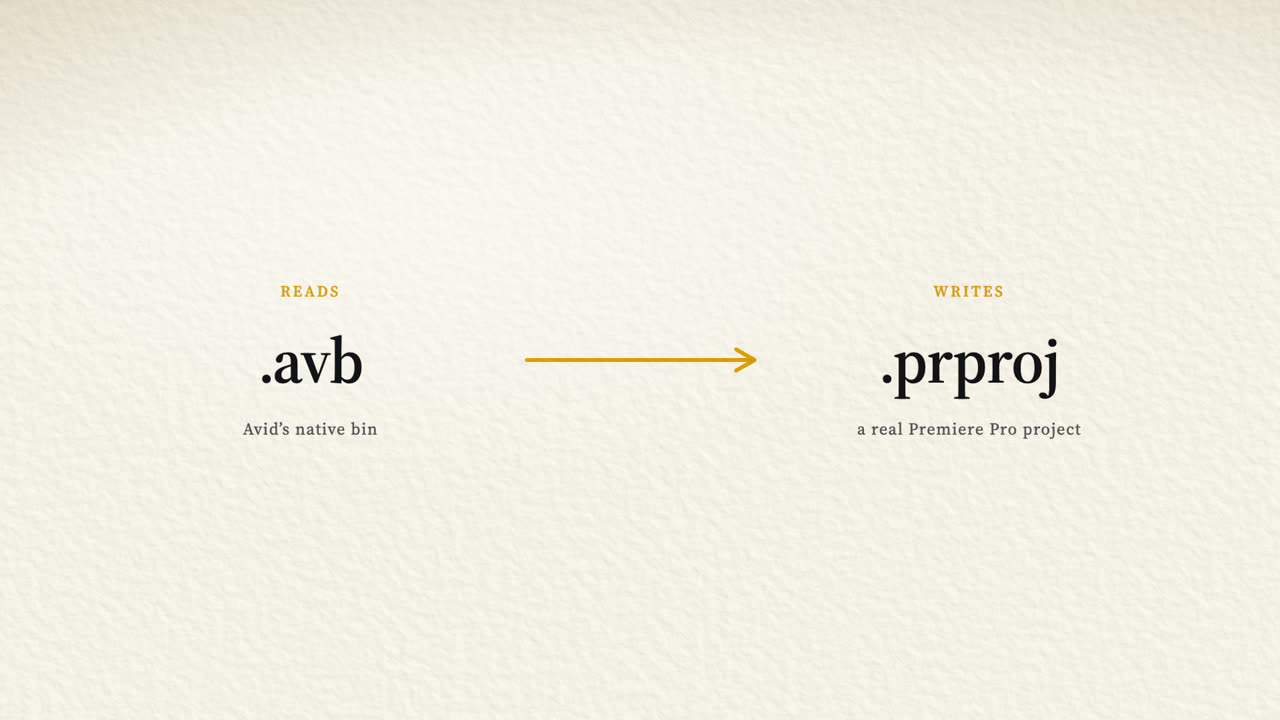
Stay in Avid and hand off a real Premiere Pro project — or move the whole project across.Not approximated. Reconstructed.
Reads Avid's native bin format. Writes a native Premiere Pro project. No interchange format in between, and no media to reconnect. A single bin, or an entire project in one pass.
Editorial cuts in Avid. The promo team cuts in Premiere Pro. VFX works in After Effects. Every time one of them needs the current sequence, the answer is the same: export an AAF.
The cuts come across. Almost nothing else does.
Multicam groups flatten to whatever angle happened to be selected. Speed ramps are approximated, baked, or missing. Effects arrive as offline placeholders. Colour work is gone. Markers land partially, or in the wrong places. Track locks and disabled tracks are forgotten. The logging metadata your sound crew maintained across a whole shoot — scene, take, tape ID, which microphone was on which channel — is not in the file.
So an assistant spends a week rebuilding by hand what already existed. On a series, that's weeks. And it's never quite the same, because nobody reconstructs ten thousand small decisions from memory.
This is not a flaw in anyone's AAF exporter. AAF is a general-purpose interchange format, built to carry a common denominator between many systems, and it does that honestly. It was never designed to carry one application's work into another without loss. Structurally, it cannot.
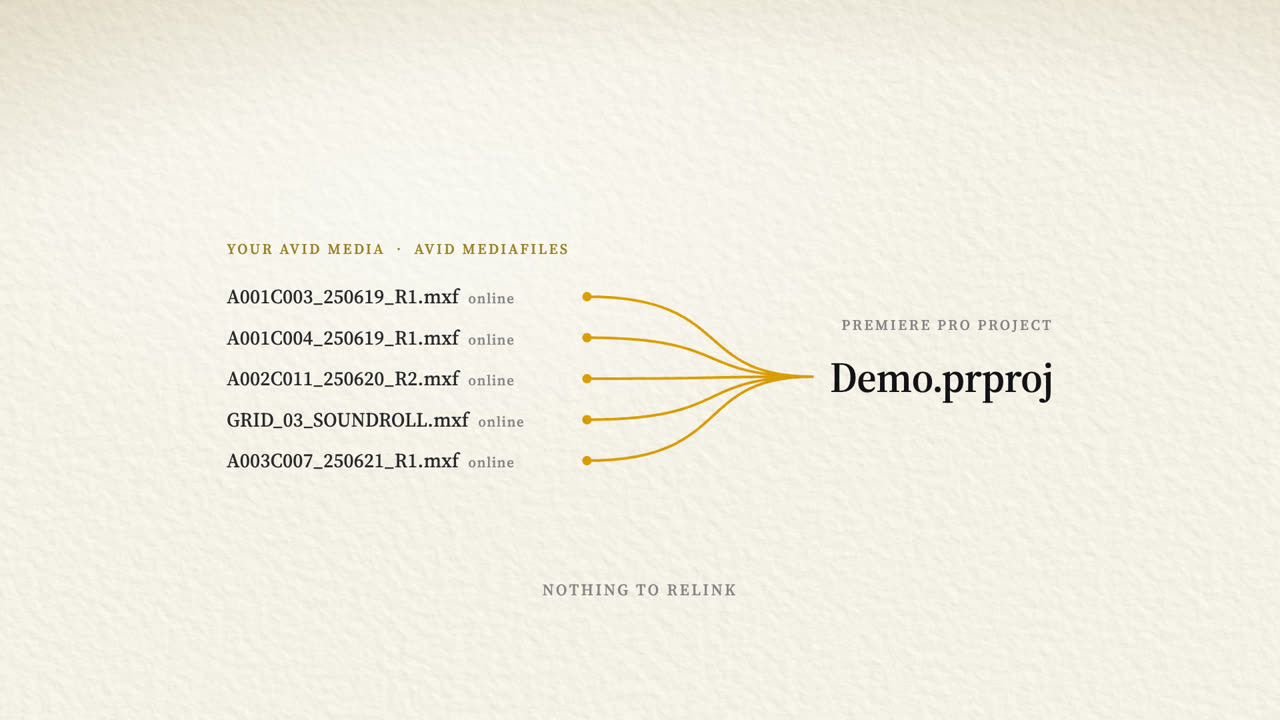
The Mozart Project writes a project that links directly to your existing Avid media — the same MXF files, in the same Avid MediaFiles structure, exactly where they already sit. Open it and the picture is there.
Clips are matched to media by identity rather than filename, so linking is resolved before Premiere Pro ever opens the file.
It also runs with no media attached at all. Bins alone produce a complete, correctly structured project, and it comes online when the drive does.
Below is what sits beneath a few of the rows in that table — chosen because they're what editors get burned by, not because they're the only ones that go this deep.
An interchange export flattens a multicam group to the angle that happened to be selected. Not damaged — gone. The sync work is lost, and so is the ability to change an angle ever again. Premiere Pro models multicam differently from Avid, so the group is rebuilt rather than copied: every angle, every audio route, and the selected angle at every cut.
Avid interpolates a speed ramp with Catmull-Rom. Premiere Pro's Time Remapping interpolates linearly, and won't let you change that — hand it Avid's control points and it draws straight lines where Avid drew a curve. The Mozart Project resamples the curve adaptively, evaluated by the library that reads the Avid format rather than by a reimplementation of our own.
Avid has no adjustment layers. It applies effects to whole tracks through a structural container Premiere Pro has no equivalent for. The correct result can't be copied — it has to be recognised, understood, and synthesised as a Premiere Pro object with no counterpart in the original file.
When a recordist logs track 3 as the boom and track 4 as a radio mic, that note is the difference between a mix that starts immediately and one that starts with guesswork. It's metadata, not picture. It survives only if something is built deliberately to carry it.
A dropped track. A missing marker. A ramp a second and a half out. Nothing errors, nothing warns, and the loss is found days later by someone who now has to distrust the entire transfer.
So: preserve faithfully, never silently drop or merge, never auto-fix an ambiguity by guessing — and when something genuinely cannot be carried, say so out loud. A silent omission found during development is treated as a more serious defect than a crash, because a crash tells you it happened.
A film and television editor of fifteen years, nominated for an Emmy in 2024 for single-camera picture editing on a Netflix series.
The Mozart Project exists because he hit this problem on his own show and found that the honest answer was a week of an assistant's time. What matters, what's worth preserving, what an editor notices missing at 2am — all of it comes from having cut professionally rather than inferring it.
macOS, Apple Silicon. If you need an Avid sequence in Premiere Pro — for promo, for VFX, for finishing — or you'd like to test it against something difficult, get in touch.
Or email access@themozartproject.org